
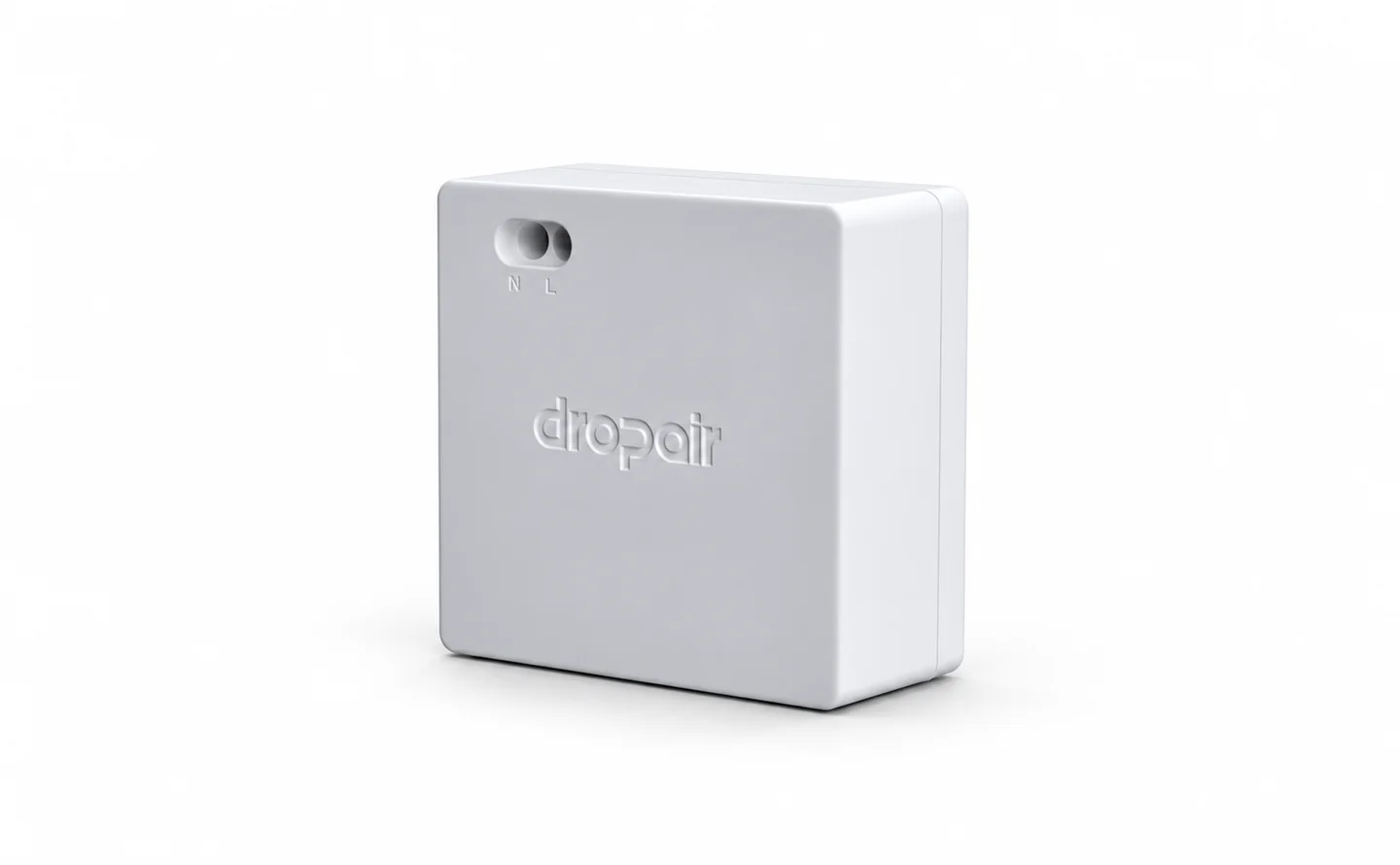
Mini6
Connects compatible air conditioning equipment with a Smart Controller.
View productA higher-capability option than Mini6 in the same family. Choose between them based on the needed functions and equipment model.
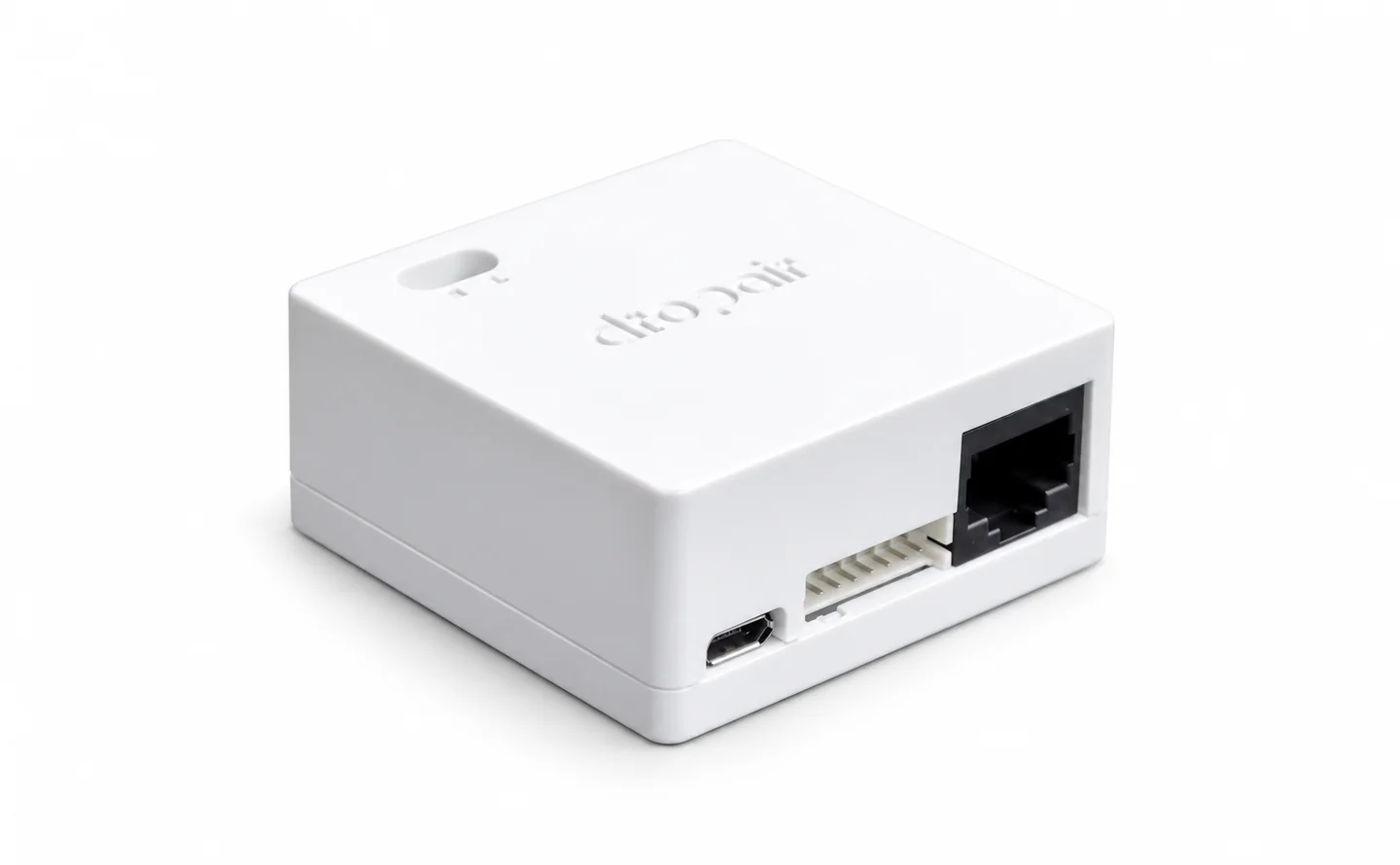
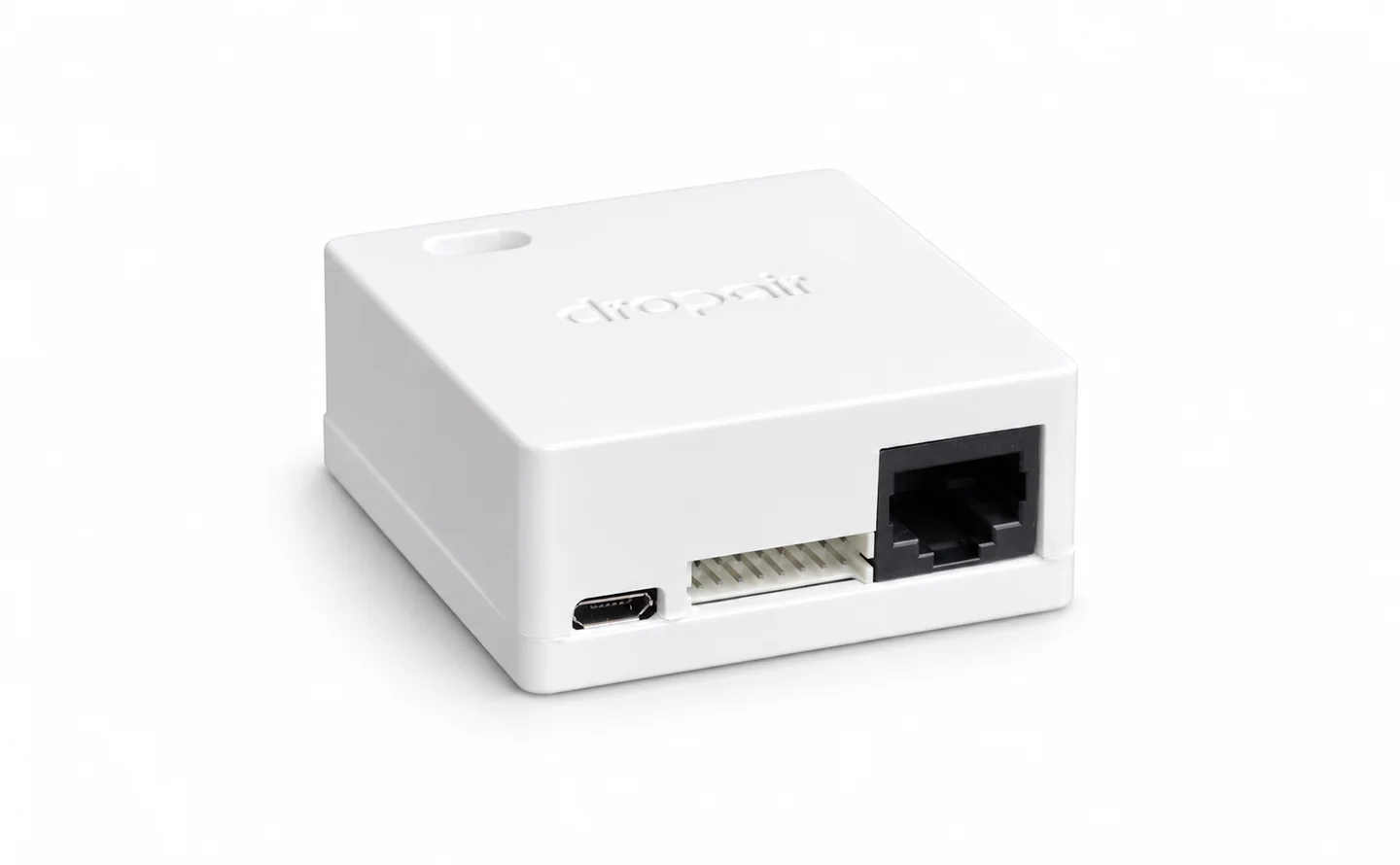
Keeps the original controller in place for operating status and fault information while adding a new control path. Wiring depends on the equipment model.
Mini6 Series installation and service manual · V7.3.2, p.15
Add a new control option to existing HVAC, matched to the equipment model.
Explore family pageSimplified from the product manual. Terminal wiring is not shown.
Mini6 Series Installation and Service Manual · V7.3.2 · 15 Jun 2026Have these equipment details ready.
Preview or download the manual. Confirm the model and version before use.
Specifications shown are from the available manual. Confirm the product model and document version before use.
Connects compatible air conditioning equipment with a Smart Controller.
View product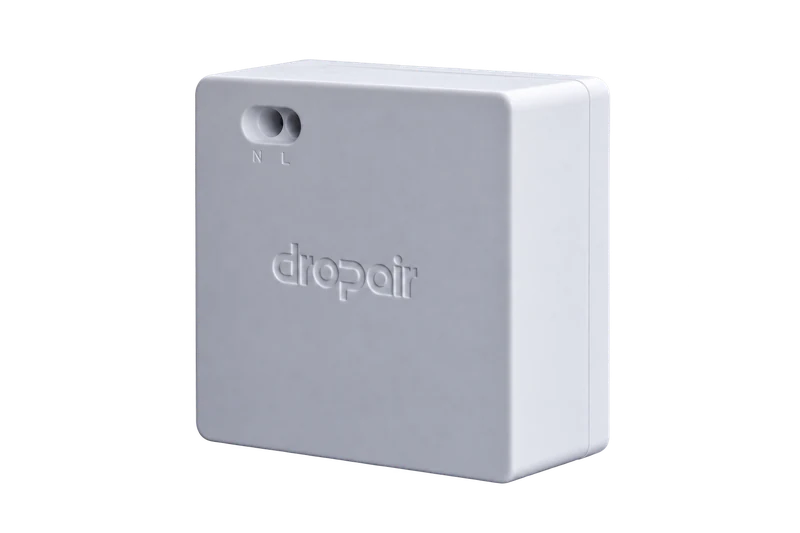
A Matter gateway for HVAC integration. Available equipment support and features vary by configuration.
View product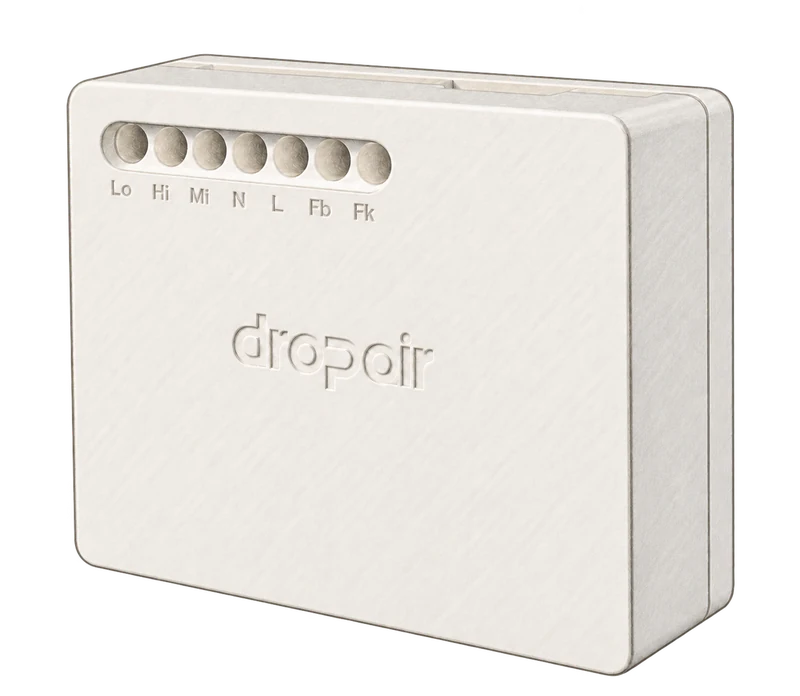
A controller for HVAC integration projects.
View product