
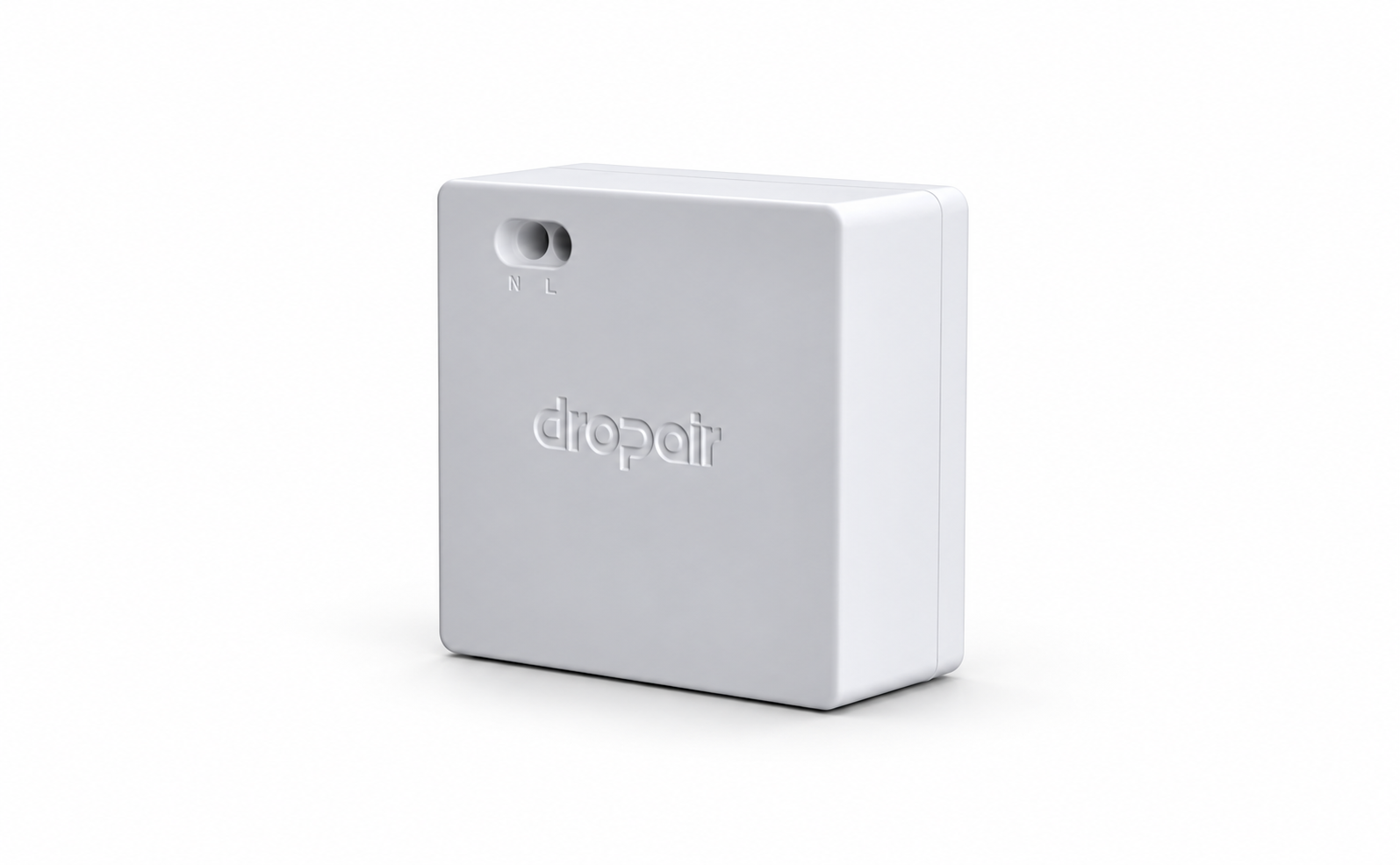
Mini6 family
Add a new control option to existing HVAC, matched to the equipment model.
Mini6Mini6sMini6x
Explore family and modelsWe group products by application so you can compare models, specifications and documents against your equipment.
Add a new control option to existing HVAC, matched to the equipment model.
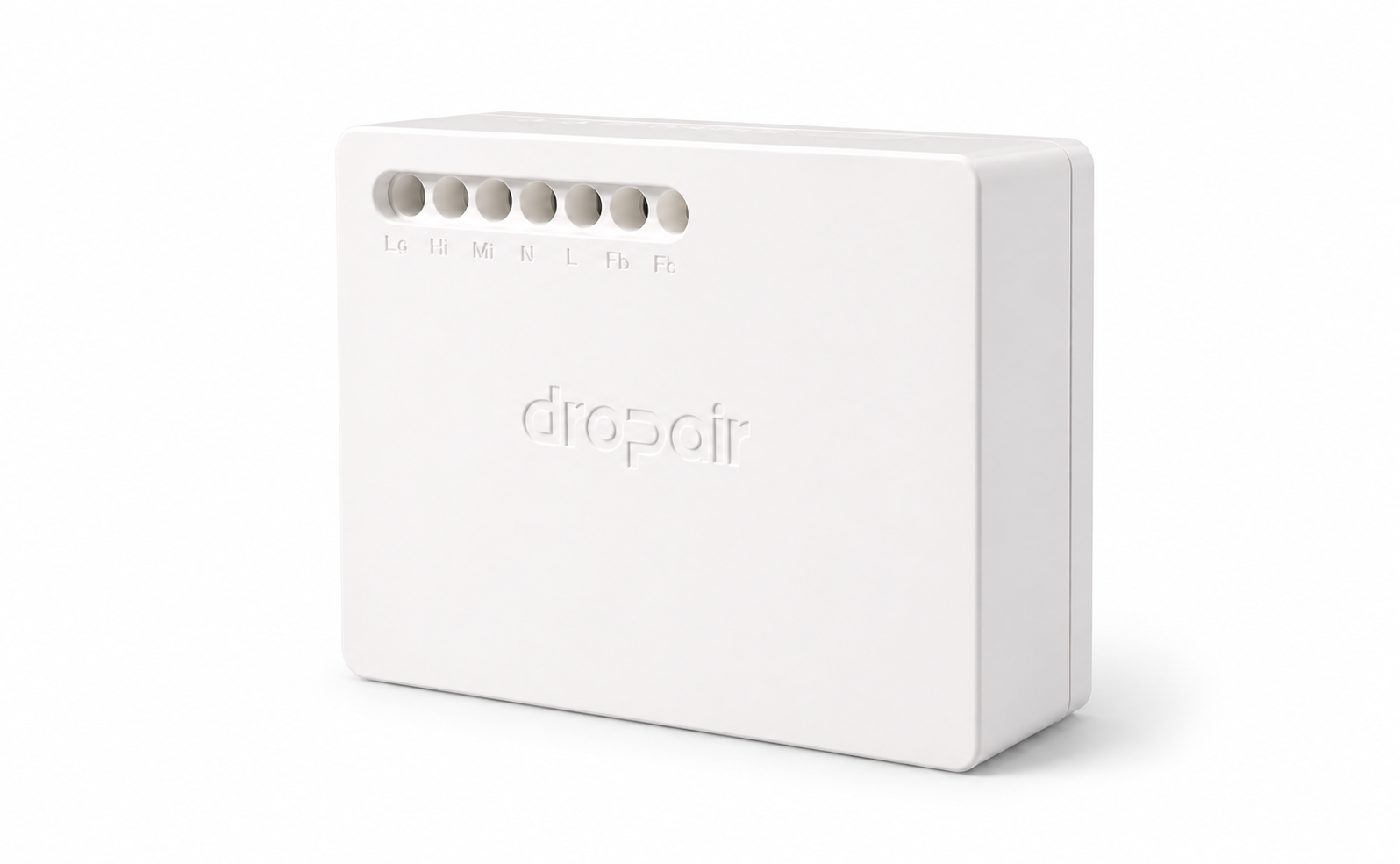
An HVAC integration controller. The separate iPanel accessory shares this housing but has a different role.
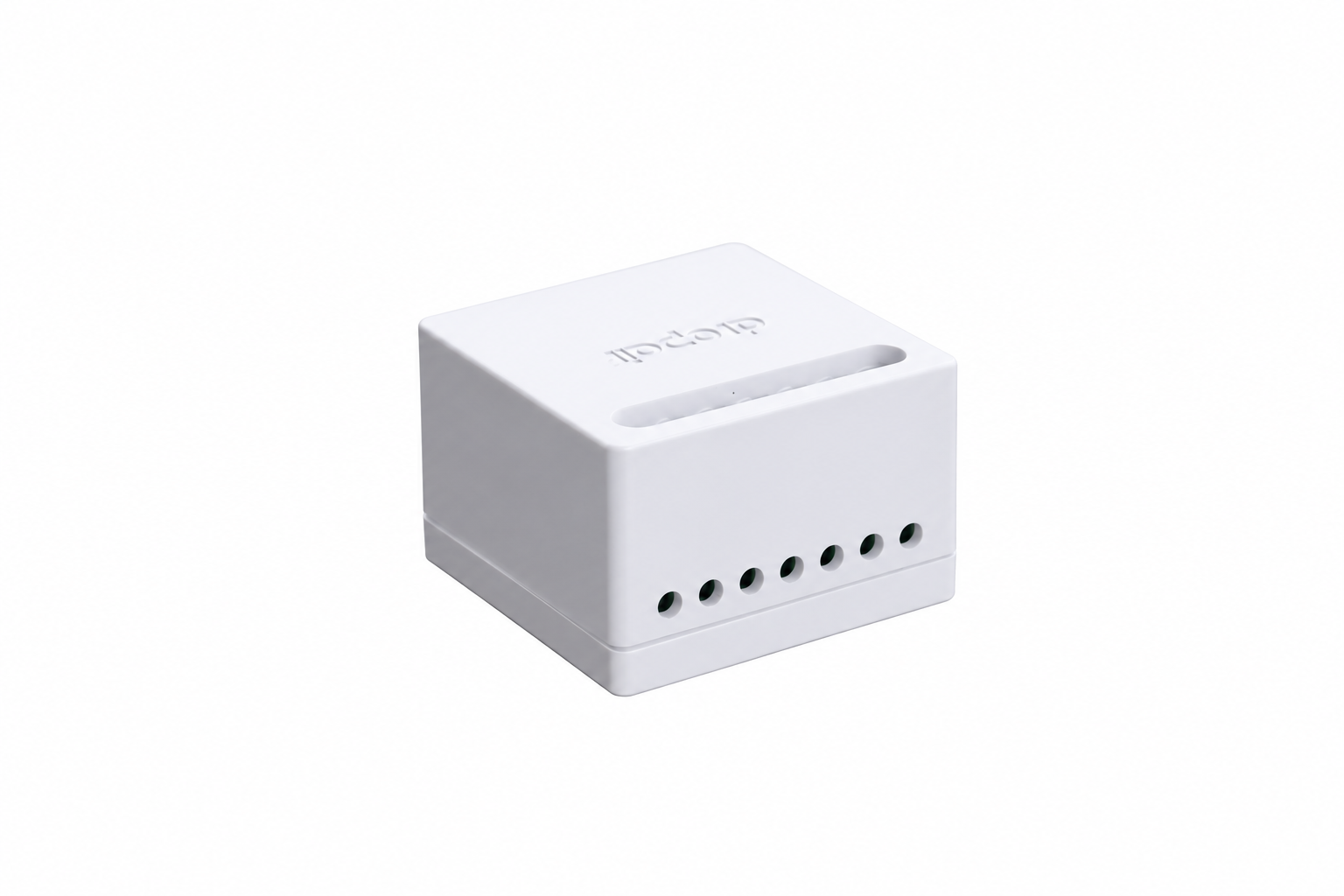
Pro7 and HA-adapter share a housing, but serve different purposes and use different wiring. Pro7 has AC and DC versions.
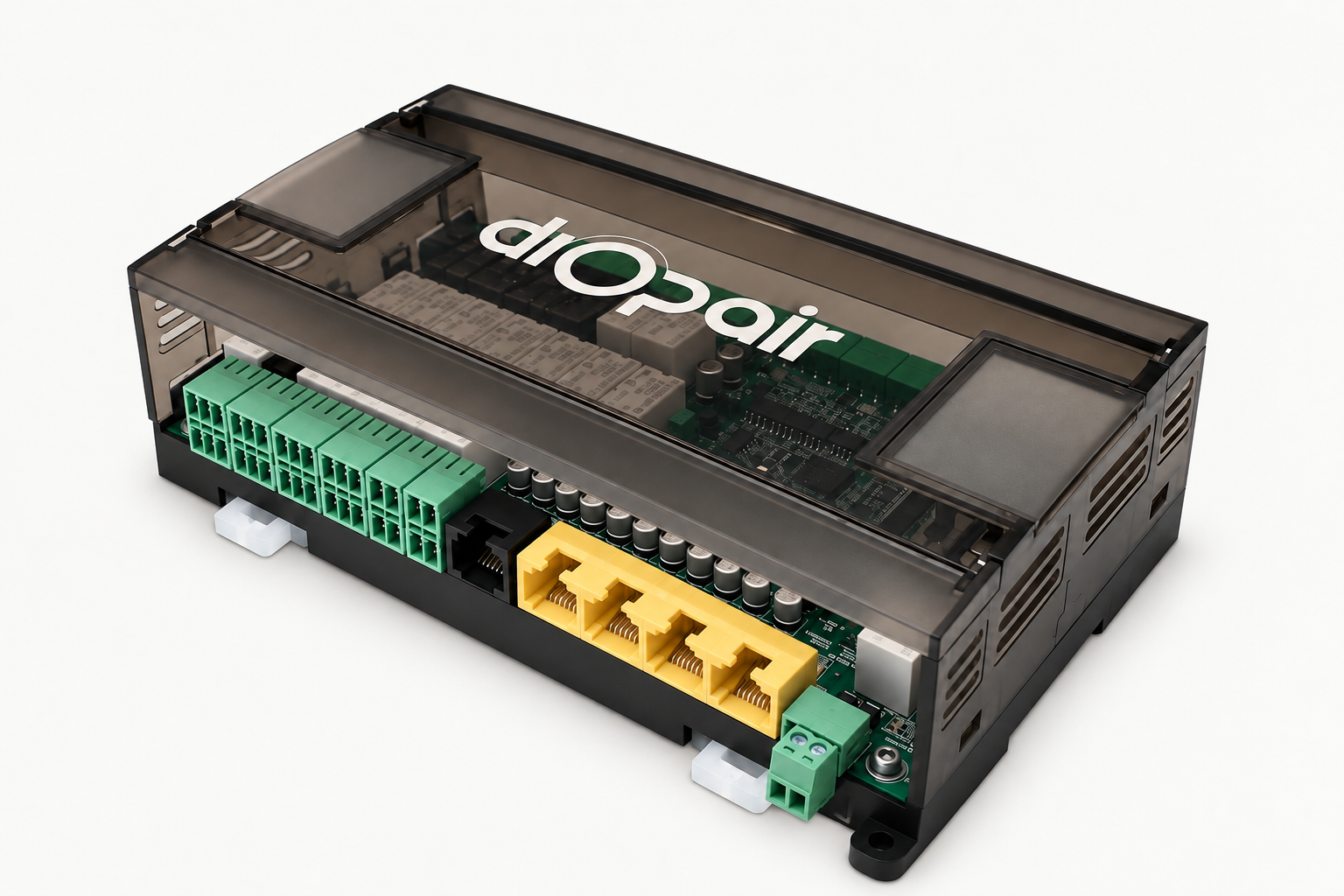
For constant-pressure, variable-airflow zoning and temperature control in all-air HVAC systems. The project determines the setup.
View product overview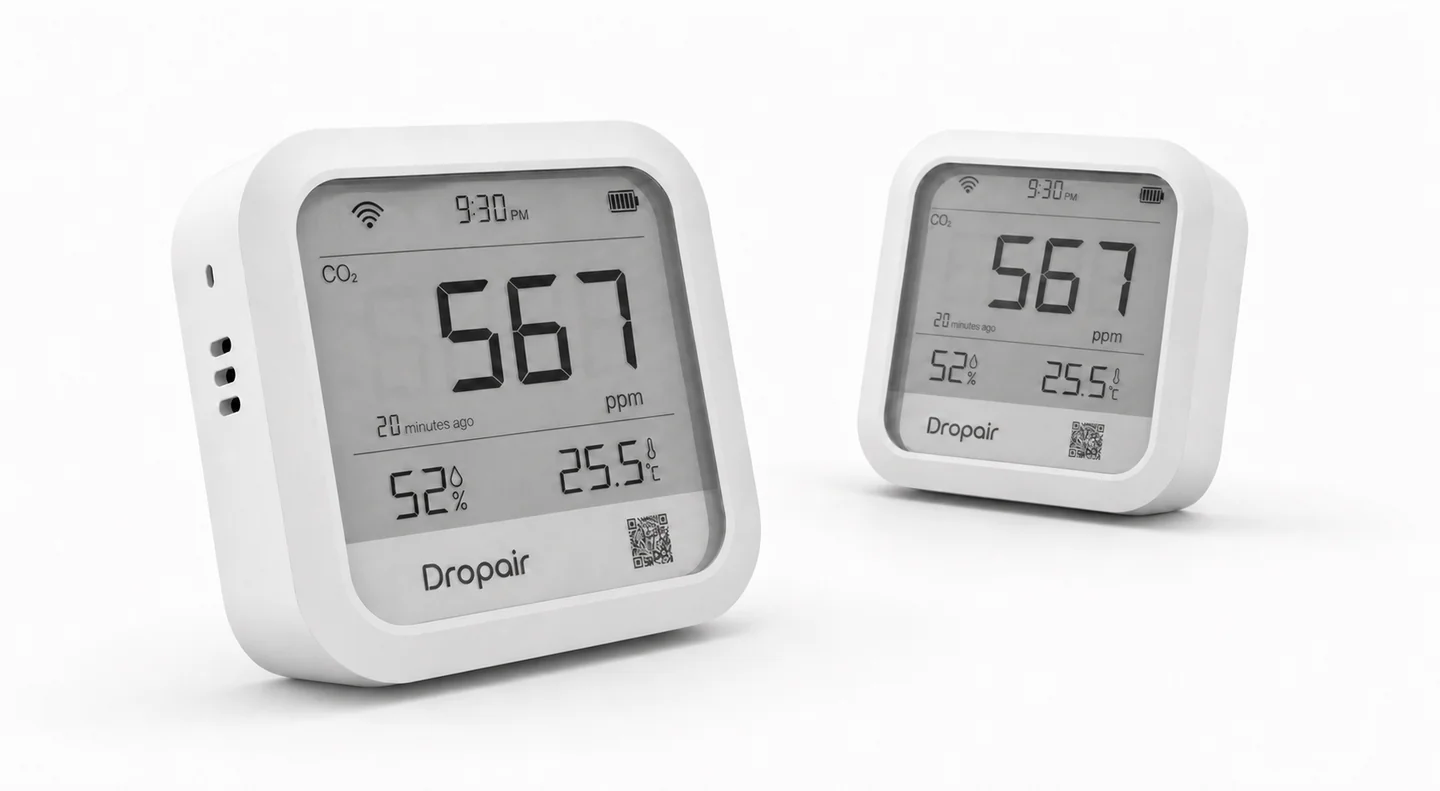
Displays indoor CO₂ concentration, temperature and humidity.
Product details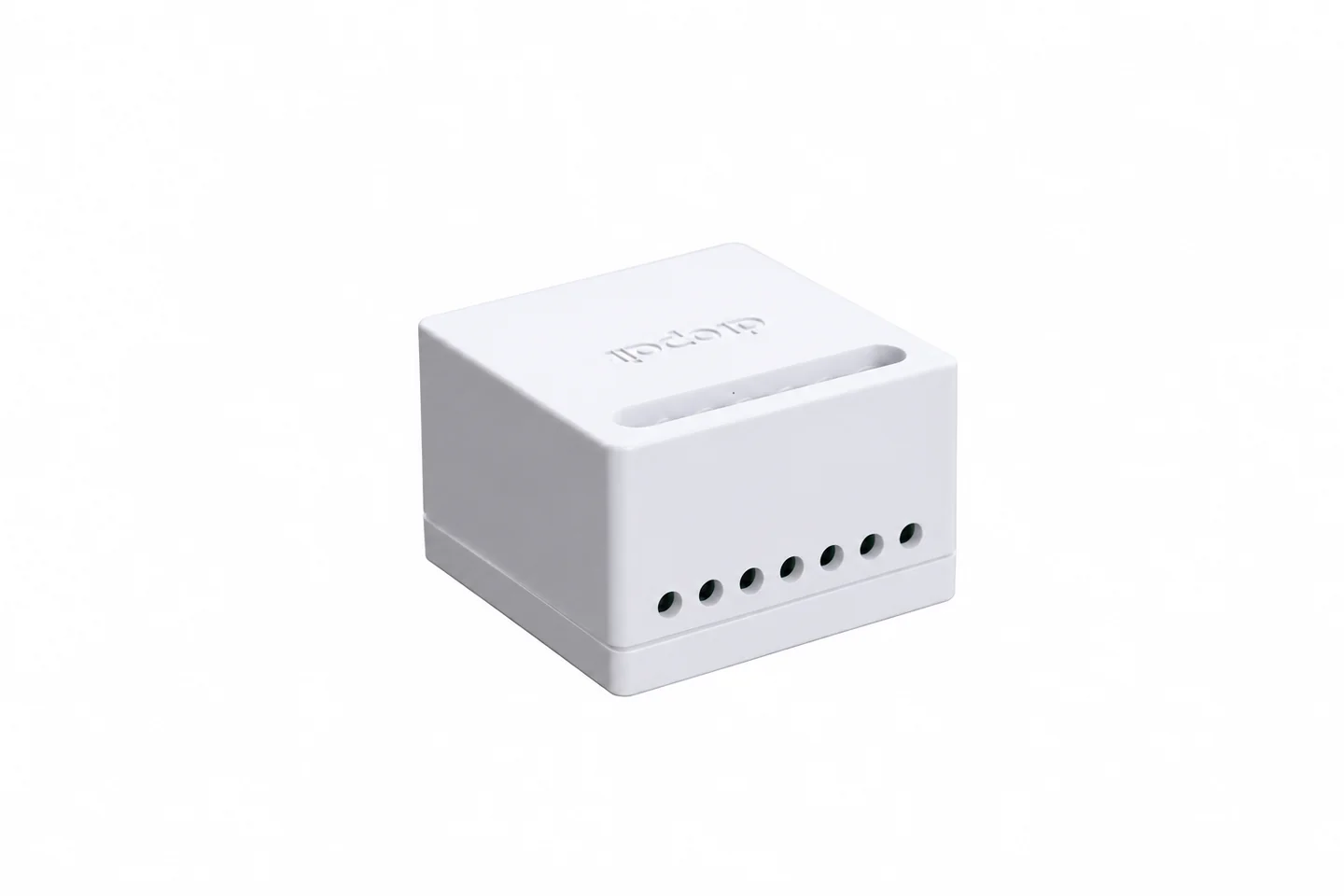
Connects a video doorbell with an existing indoor chime. The model and wiring determine suitability.
Product detailsConnects existing HVAC with a Smart Controller. Configuration varies by model.
When existing HVAC needs a new control option.
Designed for setups where the existing controller may remain in the system.
Projects considering whether to keep the original controller.
Matter gateway for HVAC integration. Equipment support varies by model.
Projects planning to bring HVAC control into a Matter system.
HVAC control for integration projects, configured for the site.
HVAC integration that needs a project-specific control plan.
The historical guide describes fan-coil control variants. The current version still needs confirmation.
Fan-coil control projects that need the current product version confirmed.
Doorbell adapter for use with an existing indoor chime and wiring.
Connecting a video doorbell with an existing indoor chime.
Designed for HVAC integration projects.
Projects that need system-level HVAC integration.
Choose three models to compare what they do and where they fit.
This overview helps narrow down the options. Confirm compatibility against the exact equipment model and wiring.
Swipe the table to see all three models
| Compare |
|---|
We keep photographs and available documents for earlier models separate from current products.
A connection accessory for supported equipment. The accessory page also lists configuration tools.
Confirm the equipment model and intended setup before selecting an accessory.
Explore accessories and tools